Decoding the Hidden Data on Your Cable Line
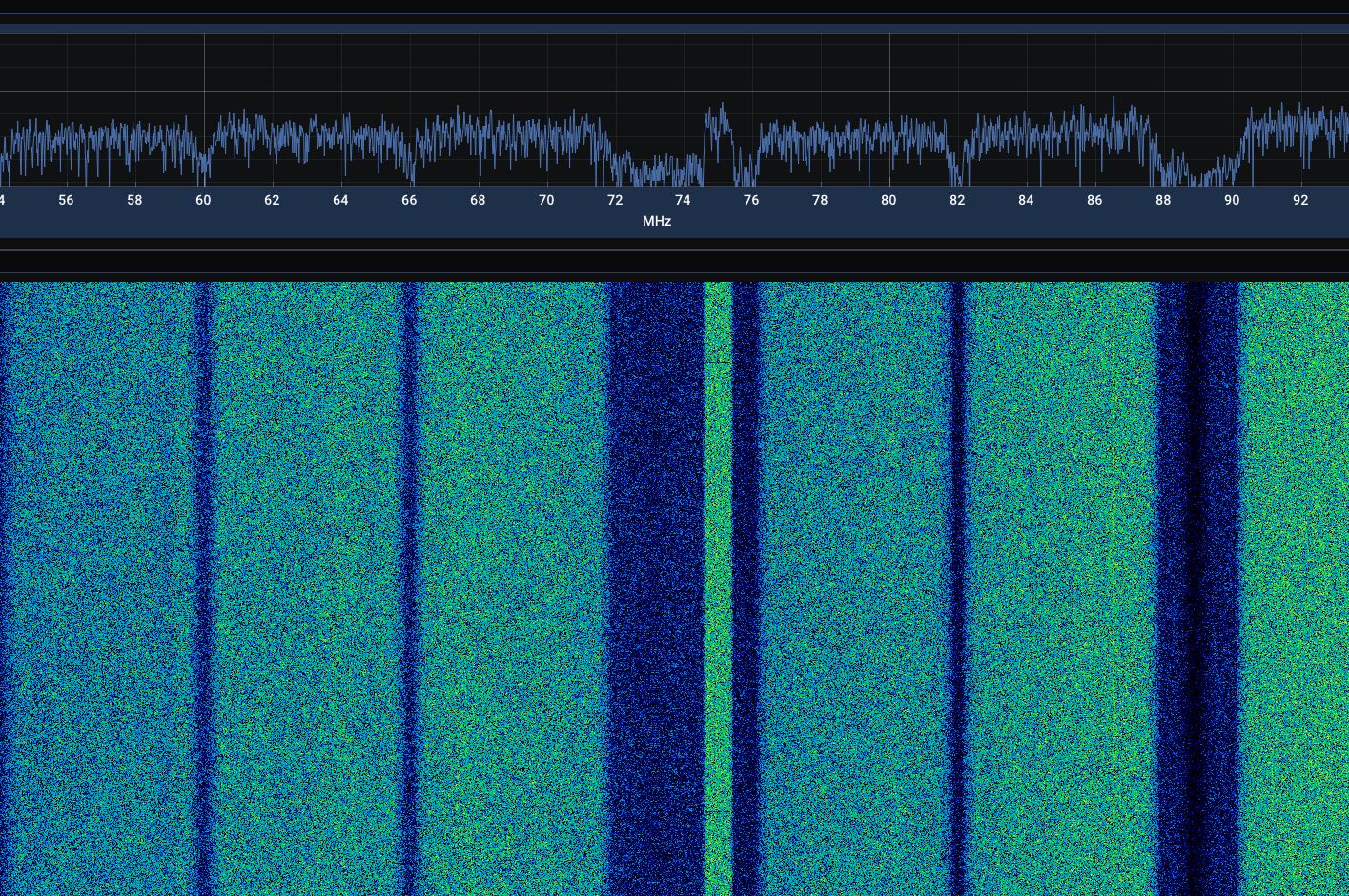
A few years ago I made a video about visualizing the signals on my local cable network. However just staring at a bunch of QAM signals is boring. I wanted to do something more interesting.
That's when I found out about OOB or out of band signaling in the cable networks, often used for the EPG data and provisioning.
I set out to decode it and integrate that decoder into SignalScope (update soon).
What started as staring at mystery radio waves turned into a massive reverse-engineering project. I ended up building a toolchain called oobscte55 to decode these hidden signals from documentation. If you've ever wondered how your cable box knows what channel CNN is on, or how it gets firmware updates without the internet, here is a breakdown of the journey from raw radio waves to readable text.
Step 1: Capturing the Invisible Waves
Before we can decode anything, we need to capture the signal. Using a standard Software Defined Radio (SDR), I recorded a raw audio-like file of the OOB carrier directly from the cable line.
Instead of sound, we're recording the raw electromagnetic spectrum. In this case, the signal is a 1.544 Mb/s data stream sitting slightly offset from the main TV channels. To the naked eye, it just looks like static.
Step 2: From Waves to Bits (Demodulation)
To make sense of that static, we have to "demodulate" it. This specific network uses a transmission method called QPSK (Quadrature Phase Shift Keying).
In simple terms, the transmitter rapidly changes the phase (the starting angle) of the radio wave to one of four specific positions. Each position represents two bits of digital data (00, 01, 10, or 11). By mathematically tracking these phase shifts, my software turns the raw radio wave recording into a massive, continuous stream of 1s and 0s.
Step 3: Finding the Rhythm (Framing)
Now we have a mountain of bits, but no idea where a sentence starts or ends.
The protocol organizes the data into structured chunks called superframes. To help receivers (like a set-top box or my script) find their place, the transmitter inserts a "Frame Alignment Signal"—a highly predictable pattern of bits (0, 0, 1, 0, 1, 1) at exact intervals. Once the software locks onto this repetitive pattern, it can sync up and reliably read the actual payload.
Step 4: Fixing the Static (Error Correction)
Cable lines aren't perfect; physical interference easily causes bits to flip in transit (a 1 accidentally becomes a 0).
To fix this, the system uses Reed-Solomon error correction. It's a clever mathematical trick where the transmitter adds a little bit of extra padding to the data. If a few bits get scrambled along the way, our decoder can use that padding to perfectly reconstruct the missing information. On a clean capture, this step easily fixes over 90% of the transmission errors!
Step 5: Tiny Digital Envelopes (ATM Layer)
Once the data is clean, we find out it's packaged into ATM cells. ATM (Asynchronous Transfer Mode) is a classic networking standard that chops data up into tiny, 53-byte digital envelopes.
Each envelope has a 5-byte header (the address) and a 48-byte payload (the letter inside). By reading the addresses on the envelopes, we can sort the traffic into different buckets. For example:
- Address
0xFF/0xFFFF: The Electronic Program Guide (EPG). - Address
0x00/0x0021: Network control and provisioning instructions.
Step 6: The Data Carousel
So, how does a cable box download a large file, like a multi-day channel guide, if it can't directly ask the head-end server to send it?
It uses a Data Carousel. The cable provider simply broadcasts the files over and over again in a continuous loop, exactly like luggage on an airport carousel. The receiver waits until the file it needs comes around, grabs the pieces out of the ATM envelopes, and stitches them back together using standard internet protocols like IP and UDP.
The Payoff: What We Actually Get
After running this whole gauntlet—from radio waves to ATM cells to reassembled files—we finally hit the jackpot. So, what is actually hiding in the signal?
- The Channel Lineup: A clean text map linking call signs to channel numbers (e.g., WKYC is Channel 4, AMC is Channel 278).
- System Configuration: The hidden instructions that tell your cable box exactly what frequencies to tune to for its main data and upstream service channels.
- Firmware Details: Plain-text server URLs for software updates and background Java apps.
- The Program Grid: The actual TV schedule with show titles and times. (Note: The schedule bodies themselves use a proprietary Cisco compression, so reading them requires reversing a custom codec, but the binary records are completely visible!)
It is incredibly satisfying to pull a mystery signal out of a copper wire and peel back the protocol layers until you find human-readable text. It's a great reminder of just how much engineering goes into simply turning on the TV.
Keep an eye out for the SignalScope integration coming soon!